
MyPathway
Copy linkIntroduction
MyPathway serves as a student portal website. Additionally, enrollment-related and schedule information will be displayed on this site. Therefore, it is crucial to check it regularly! The platform offers several functionalities, allowing you to:
– Enrol in units & classes
– Access schedules and venue details for your registered classes or exams
You can access MyPathway at https://student.globalpathways.edu.vn
Instruction
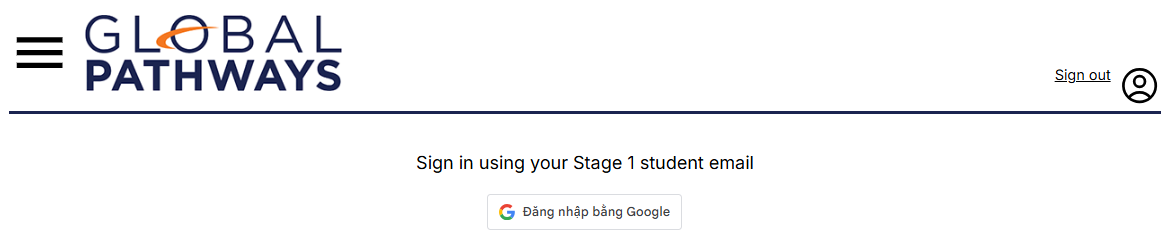
– Log-in using your Student Google Account
– Perform Unit Enrolment:
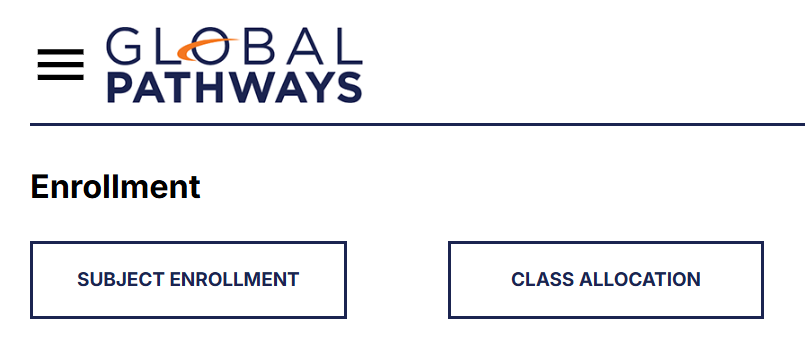
Note: Students have to complete Subject Enrolment (Phase 1) before Class Allocation (Phase 2)
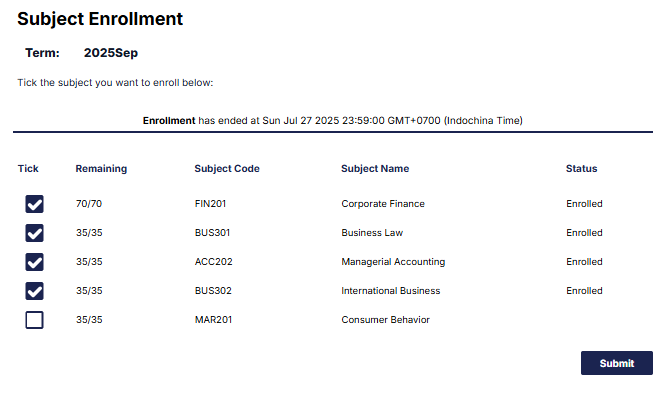
– Choose your subject in the Subject Enrolment tab:
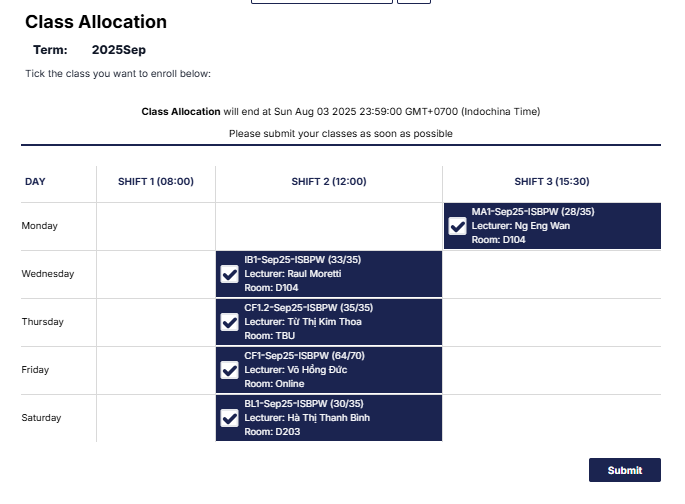
– Choose your class via Class Allocation tab:
RESULT
Step 1: Log in to the Student Portal
Go to: https://student.kfo.edu.vn/
Log in using your Stage 1 student email and password.

Step 2: Access your Result
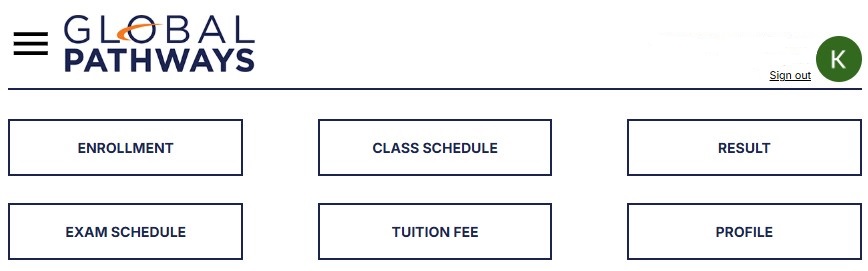
After logging in, you will see the main menu.
Click on RESULT.
Step 3: View your Subject Results
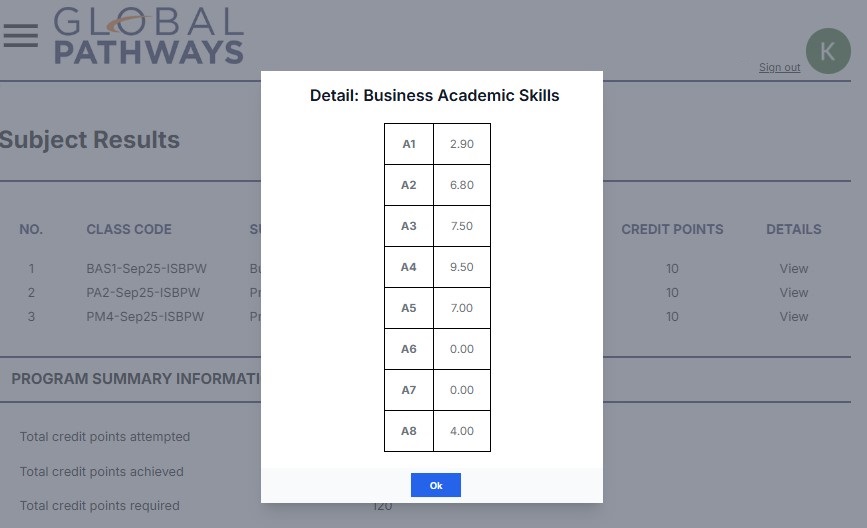
On the Subject Results page, you can see:
- Class Code
- Subject Name
- Grade (e.g. B, C+, etc.)
- Mark: Average score
- Credit Points
To see more details for a subject, click View in the Details column.
Step 4: Check your Program Summary
Scroll down to the Program Summary Information section to view:
- Total credit points attempted
- Total credit points achieved
- Total credit points required for your program
How Marks Are Calculated
- Mark: the overall average mark for the unit.
- A1–A7: in-class assessment marks, corresponding to the assessment columns listed in the Unit Guide. If the unit has fewer assessments, the unused columns will be left blank or recorded as 0.0.
- A8: the final examination mark.
Calculation Method
- Each assessment mark is multiplied by its corresponding weighting (%) as stated in the Unit Guide.
- The overall Mark is the weighted average of all assessment components.
Pass Requirement
- If the overall Mark is 5.0 or above, the student passes the unit.
- If the overall Mark is below 5.0, the student does not pass the unit.
Final Examination Threshold
If the final examination mark is below the required threshold:
- The overall Mark will be adjusted to 4.9 if the calculated average is 5.0 or above; or
- The overall Mark will remain unchanged if the calculated average is below 5.0.
Special Cases
In cases of absence from the final exam, exam disqualification, or non-attendance at the final examination:
- The final examination mark will be 0.0; and
- The overall Mark will automatically be recorded as 0.0.
Grade Conversion
Grades are converted based on the official grading scale.
Table 1. Grade Conversion from 10-point Scale to Letter Grade and 4-point Scale
Pass Grades
|
No. |
10-point Scale |
Letter Grade |
4-point Scale |
|
1 |
From 9.0 to 10.0 |
A+ |
4 |
|
2 |
From 8.5 to 8.9 |
A |
4 |
|
3 |
From 8.0 to 8.4 |
B+ |
3.5 |
|
4 |
From 7.0 to 7.9 |
B |
3 |
|
5 |
From 6.5 to 6.9 |
C+ |
2.5 |
|
6 |
From 5.5 to 6.4 |
C |
2 |
|
7 |
From 5.0 to 5.4 |
D+ |
1.5 |
Fail Grades
|
No. |
10-point Scale |
Letter Grade |
4-point Scale |
|
1 |
From 4.0 to 4.9 |
D |
1 |
|
2 |
From 3.0 to 3.9 |
F+ |
0.5 |
|
3 |
Below 3.0 |
F |
0 |